Model 3 Series
Explore Tesla Model 3 Legacy and Highland (2024+) 3D customizer studios

Model 3 Legacy →
Use the classic-body panel map for pre-Highland Model 3 display skins, with 3D preview and PNG export.
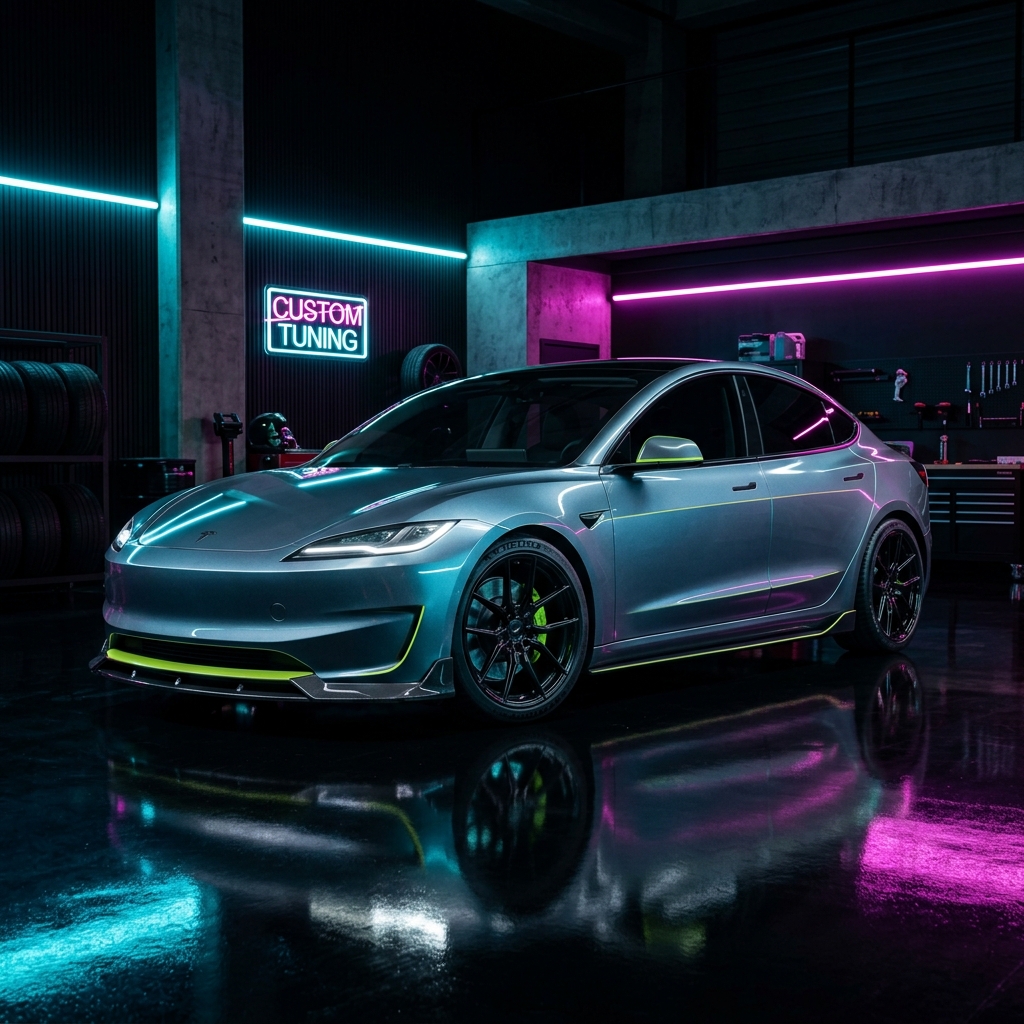
Model 3 Highland Base →
Use the refreshed Highland base template when its lights, doors, and body proportions match your in-car model.
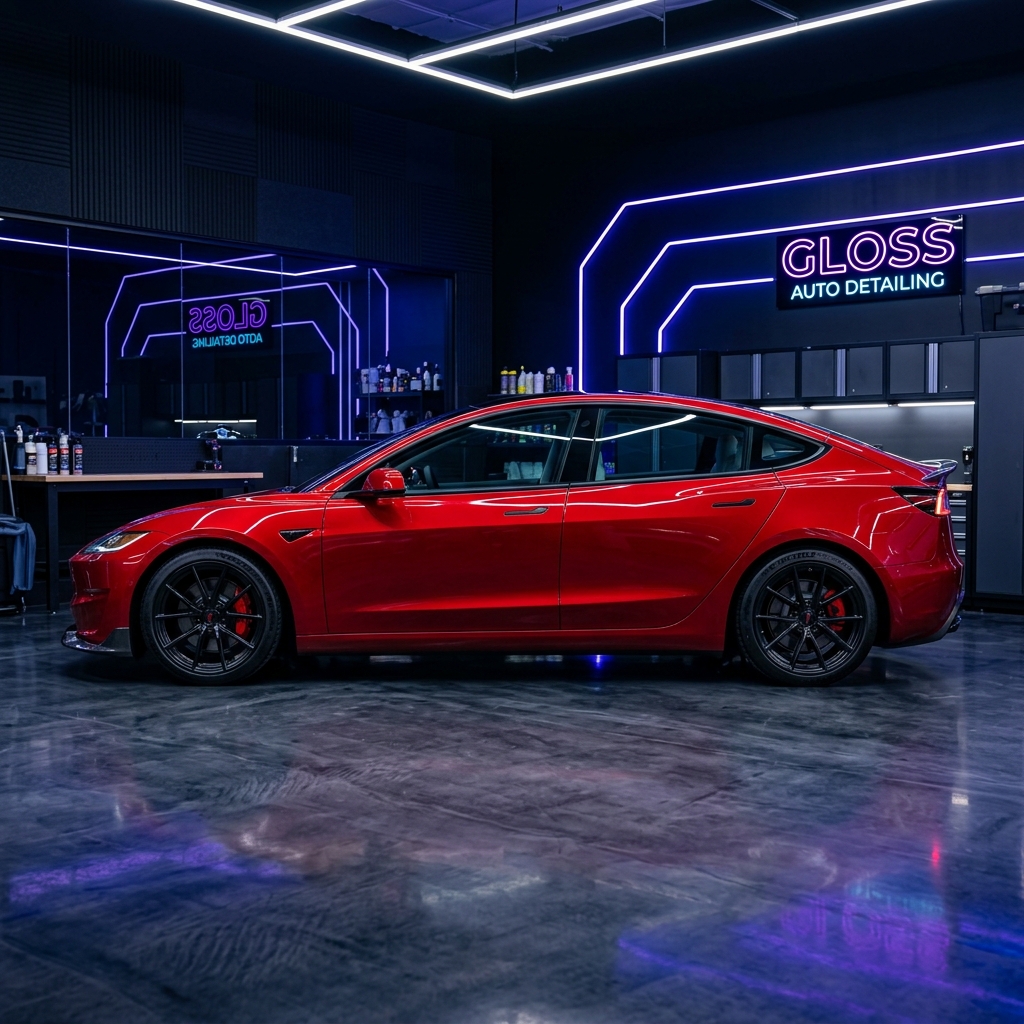
Highland Performance →
Design against the separate Highland Performance panel layout before exporting a vehicle test PNG.
Model Y Series
Explore Tesla Model Y Legacy and Juniper (2025+) 3D customizer studios
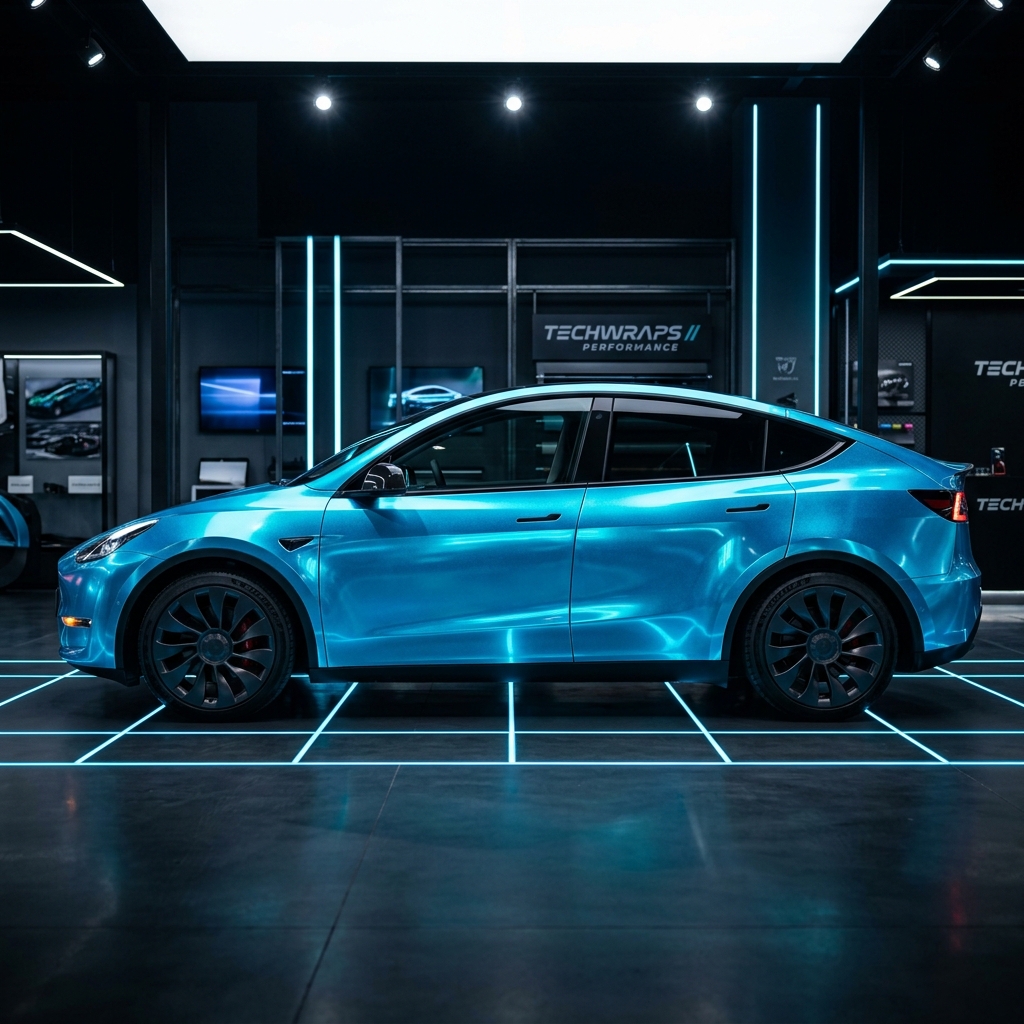
Model Y Legacy →
Use the pre-Juniper Model Y silhouette for colors, built-in patterns, uploaded artwork, and PNG export.
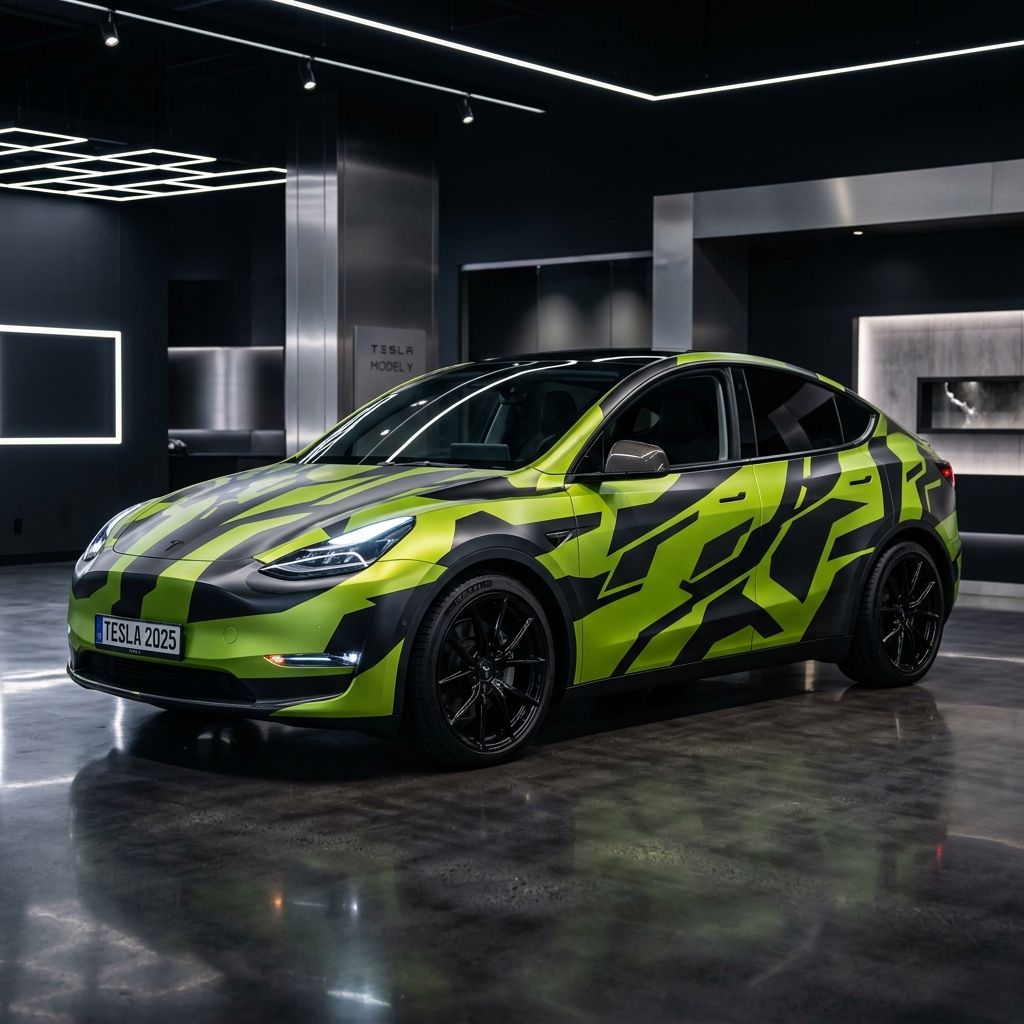
Model Y 2025 Standard →
Plan a skin on the Juniper base panel map and compare the refreshed body shape in 2D and 3D.
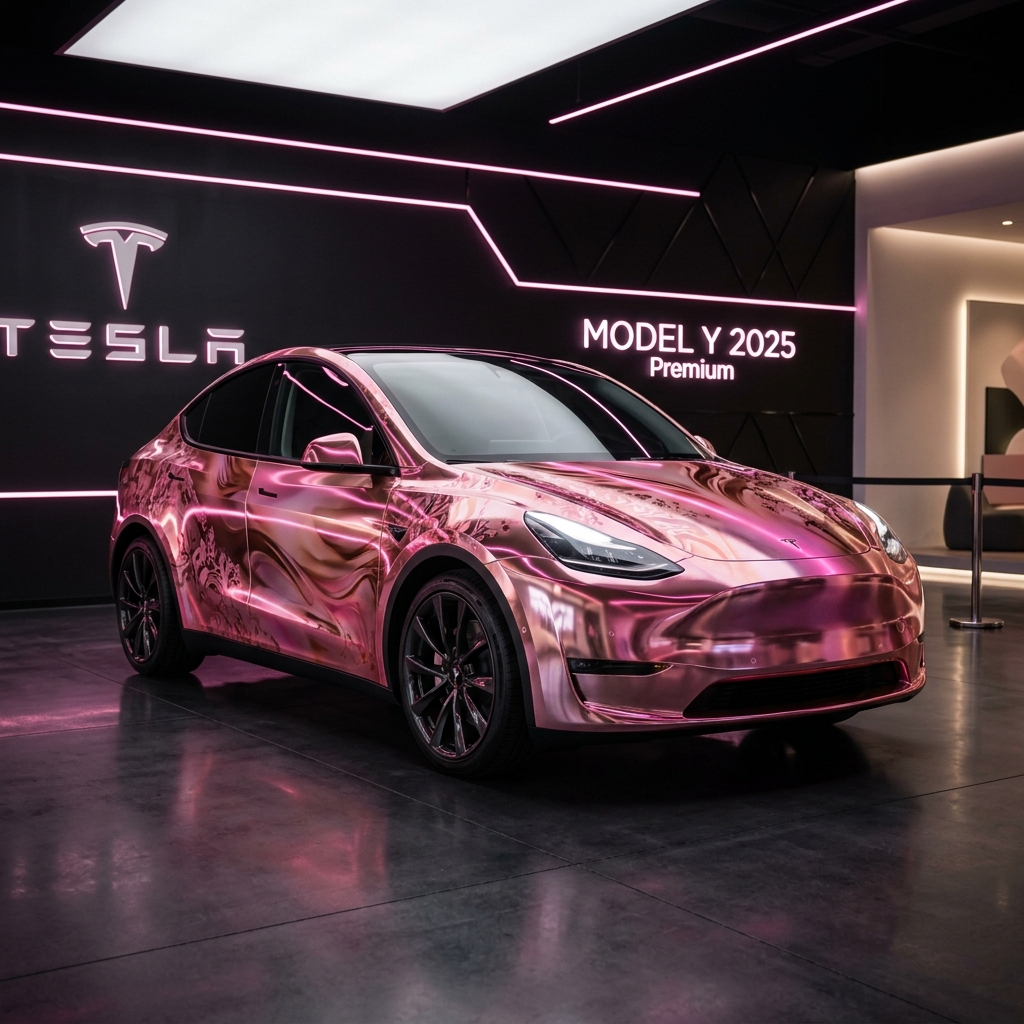
Model Y 2025 Premium →
Use the Juniper Premium-specific body assets when they match the vehicle graphic shown by your software.

Model Y 2025 Performance →
Preview high-contrast artwork on the distinct Juniper Performance template before vehicle-side testing.
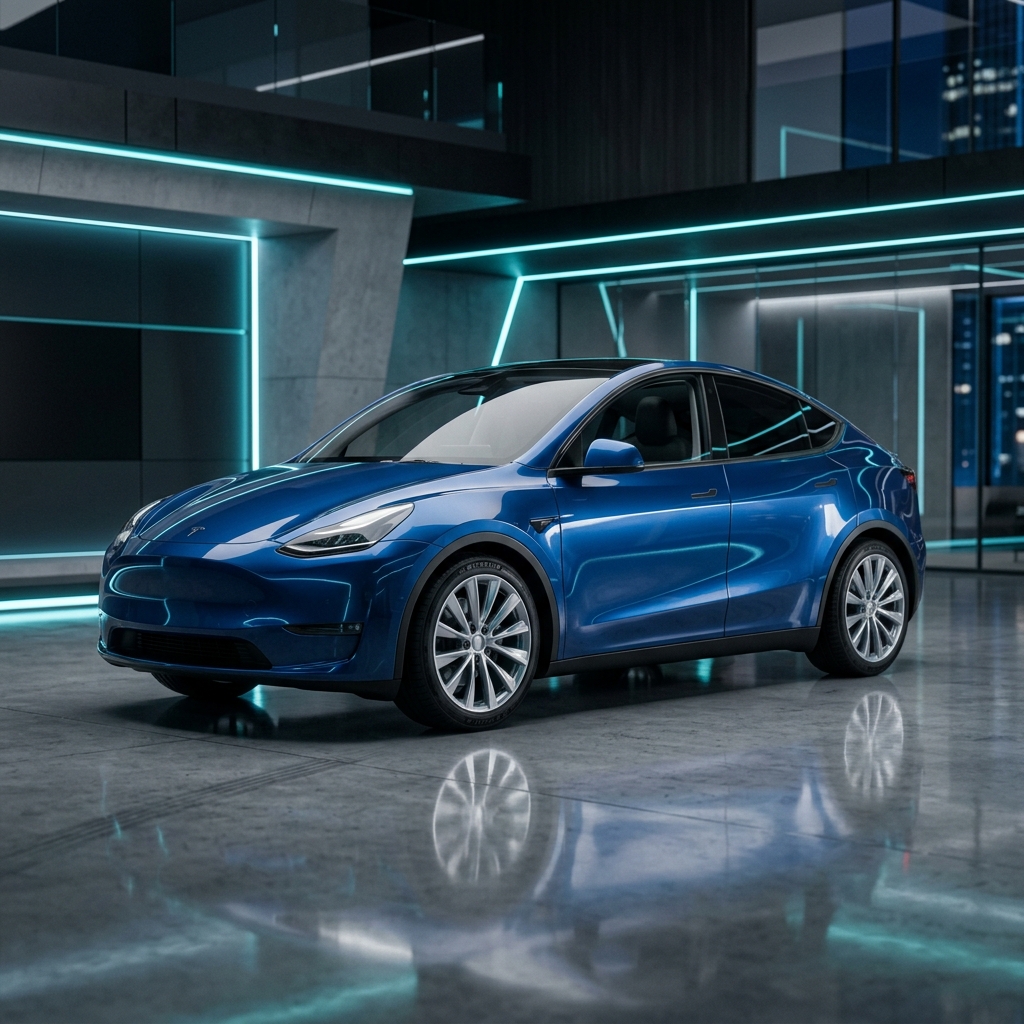
Model Y Legacy Long Range →
Use the dedicated Legacy Long Range display model when it is the closest match to your vehicle graphic.
Cybertruck Series
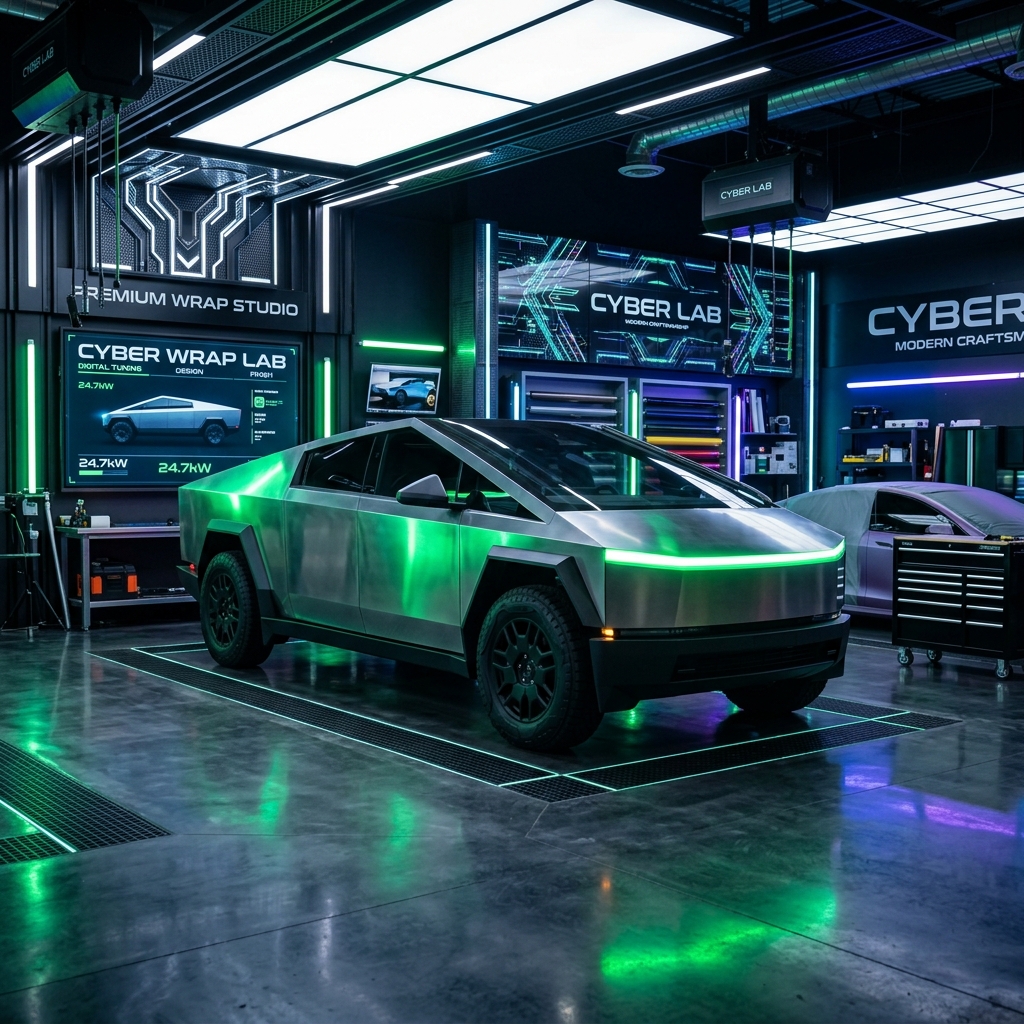
Explore the cybernetic wrap design center for the stainless steel truck
Practical Guide to Digital Vehicle Skins
Tesla vehicles may provide a Paint Shop or Colorizer workflow for changing the digital vehicle appearance shown on the in-car display. TeslaPaintShop is an independent planning tool: choose a visual template, compare colors and artwork, and export a PNG for personal testing.
Choose a Matching Template
Compare the available Model 3, Model Y, and Cybertruck templates with the vehicle model shown by your own software. Template names describe visual assets and do not guarantee vehicle-side support.
Check the Current Vehicle Instructions
Before transferring a file, confirm that the feature is available and follow the storage format, folder path, filename, and import steps shown by the current vehicle software or official owner documentation.
Use Blend Modes and Opacity Carefully
Multiply, Overlay, Screen, and opacity controls change how uploaded artwork combines with the base color. Use large, readable shapes, export without resizing, and compare a simple test design on the actual display.
Frequently Asked Questions (FAQ)
Is this tool completely free? ▼
Yes. The current browser editor is free to use without registration or a subscription.
Can I use the exported design on my real Tesla touchscreen? ▼
The editor exports a PNG for personal testing. Whether a vehicle accepts it depends on the feature available in that vehicle and the instructions shown by its current software.
How do I install the custom design into my Tesla vehicle? ▼
First check the Paint Shop or Colorizer instructions shown by your vehicle. Storage format, folder path, filename, and import steps can vary by model, region, and software version.
Which Tesla software versions support this feature? ▼
Feature availability varies. Confirm the workflow on your own vehicle rather than relying on a fixed software-version claim.